
The Monster Guide
You already know the basics: pick your cards, search an airport, walk into the lounges that light up. Here's how the seasoned monsters squeeze out the rest.
Set up once, then just search
Lounge Monster remembers your cards, status and memberships on this device, no account needed.
- Star your airports. Tap the star by an airport's code. Starred airports and your home airport come first in search and live under My airports in the header.
- Your home airport is the front door. Open lounge.monster and it goes straight there.
- No signal at the gate? Your home, starred and recently visited airports are saved on the device, so they still open offline.
- Search by city or code. "Tokyo" works as well as HND or NRT.
- Got a new card? Edit in Your access, or redo the setup from the start.
Plan for when you'll actually be there
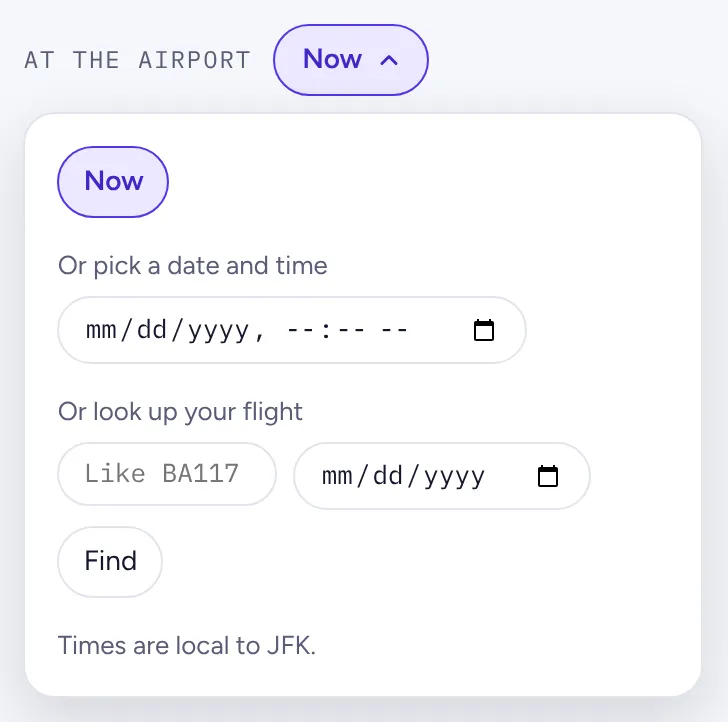
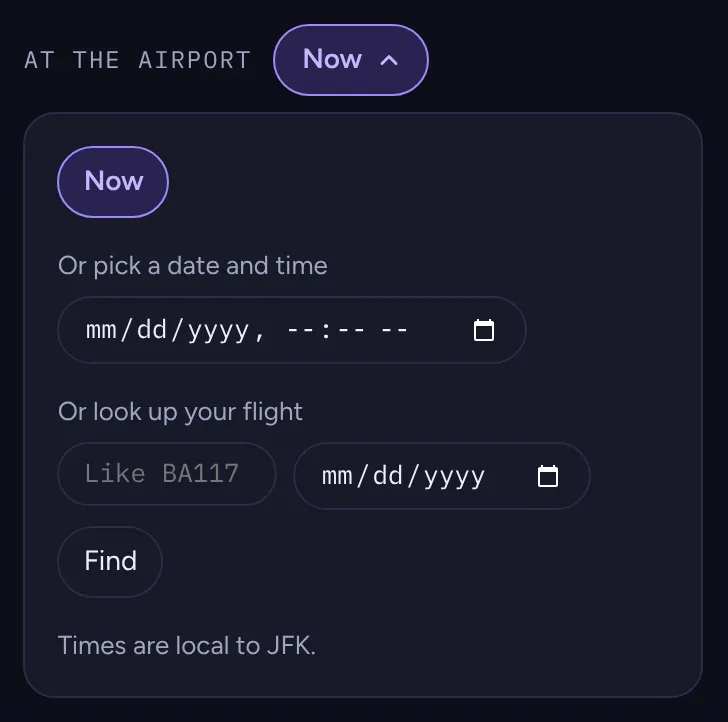
A lounge that closes at 21:00 is no use for your 23:40 red-eye. At the airport, above the lounges, sets the time every open and closed label is for.
- Now is the default. Each lounge shows "Open until 23:00", "Closes in 40 min" or when it opens next, and closed lounges sink to the bottom.
- Pick a date and time to plan ahead. Times are local to the airport, so you don't do time zone math.
- Look up your flight and the monster does the thinking: it checks two hours before departure (or your landing time), and settles airline, alliance and international-only rules. Lounges your flight doesn't get you into fold away.
- The Monster's pick badge marks the best lounge you can get into: one where your whole group gets in without guest fees comes first, then top-shelf lounges, the fewest strings attached and the most free guests. It never goes to a lounge that's closed when you're there. How Monster's pick works
Bring the whole party, each with their own wallet
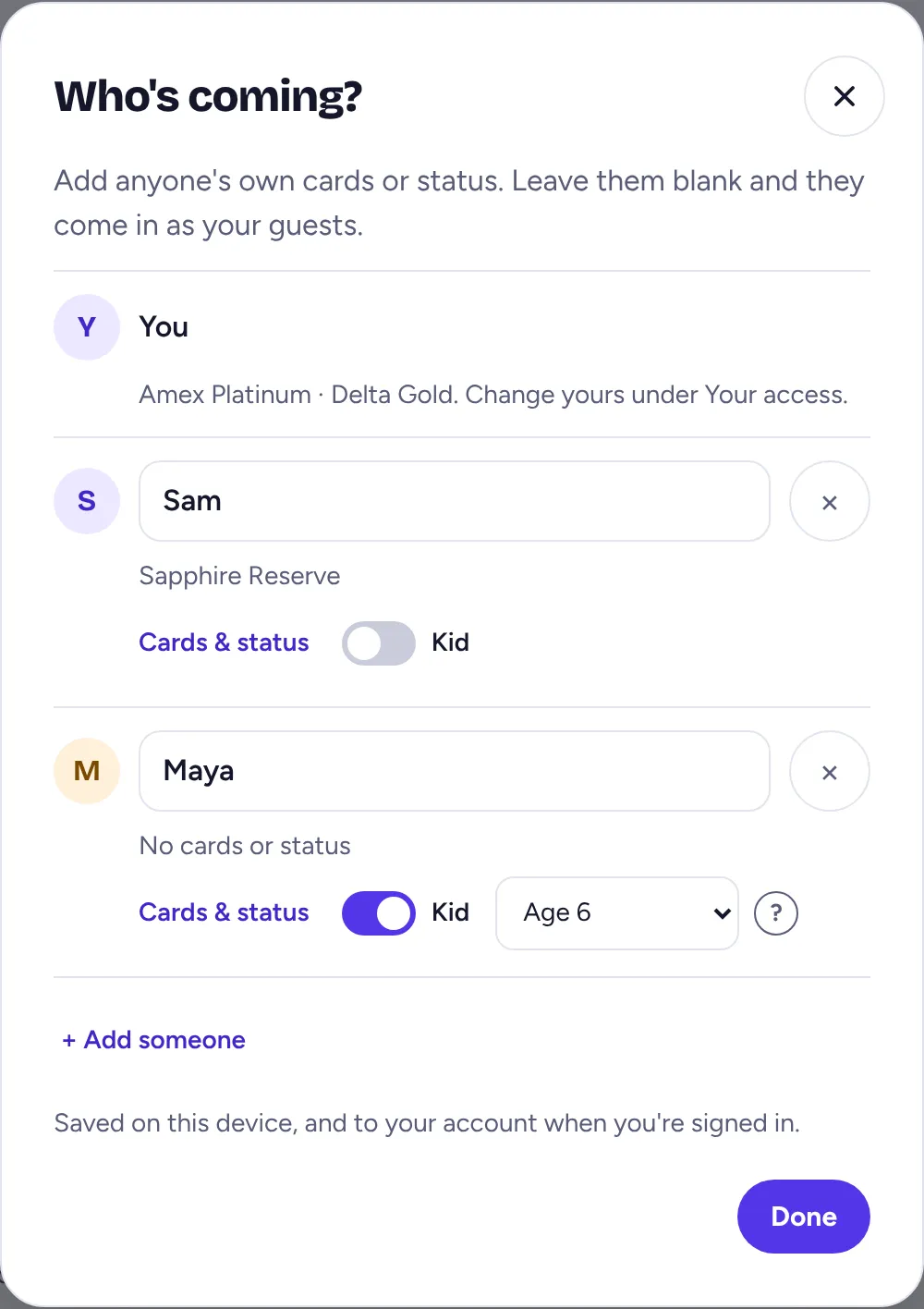
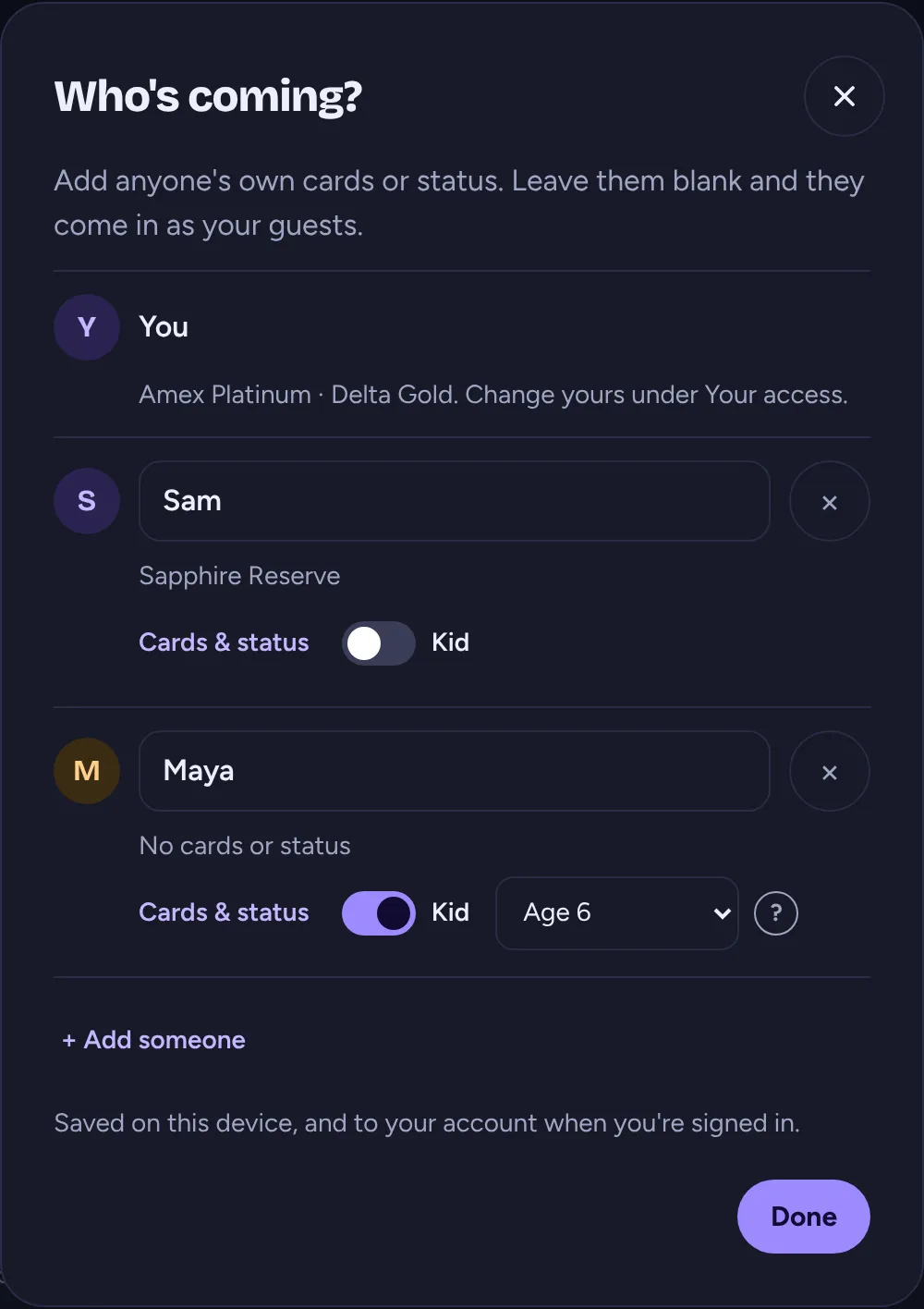
Traveling with someone? The Party size stepper in Your access counts heads and shows guest fees. Tap Who's coming? to go further:
- Add their own cards and status. Your partner's Sapphire Reserve might open a lounge yours doesn't. Same cards and status as me copies yours in one tap.
- Leave someone blank and they come in as a guest.
- Mark kids with the Kid switch. Adding an age is optional but gets you better answers: plenty of lounges let little ones in free, and a few don't let children in at all.
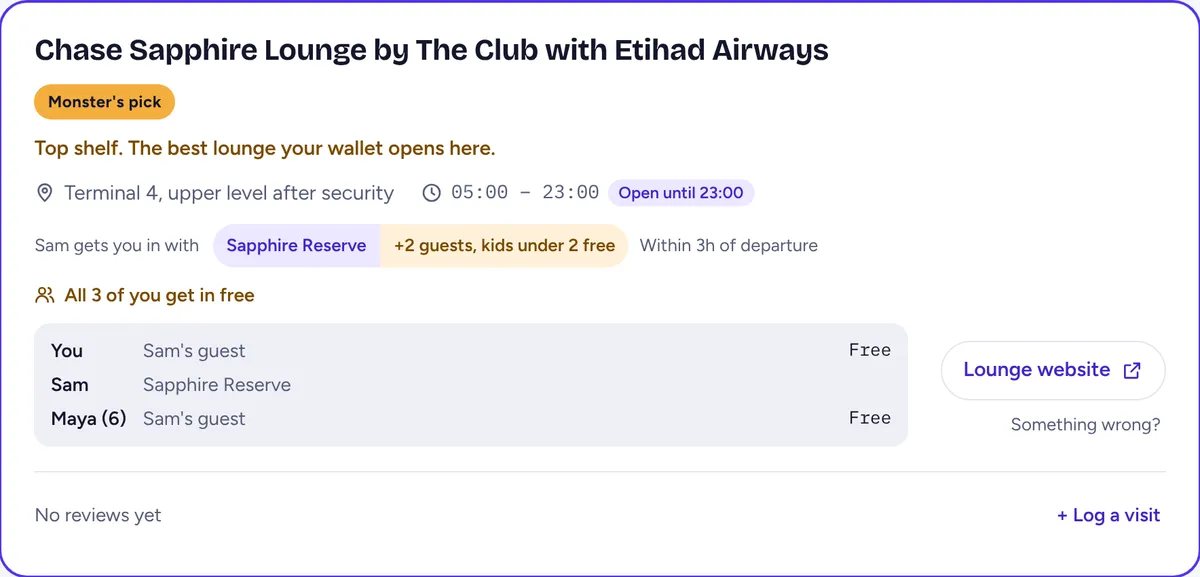
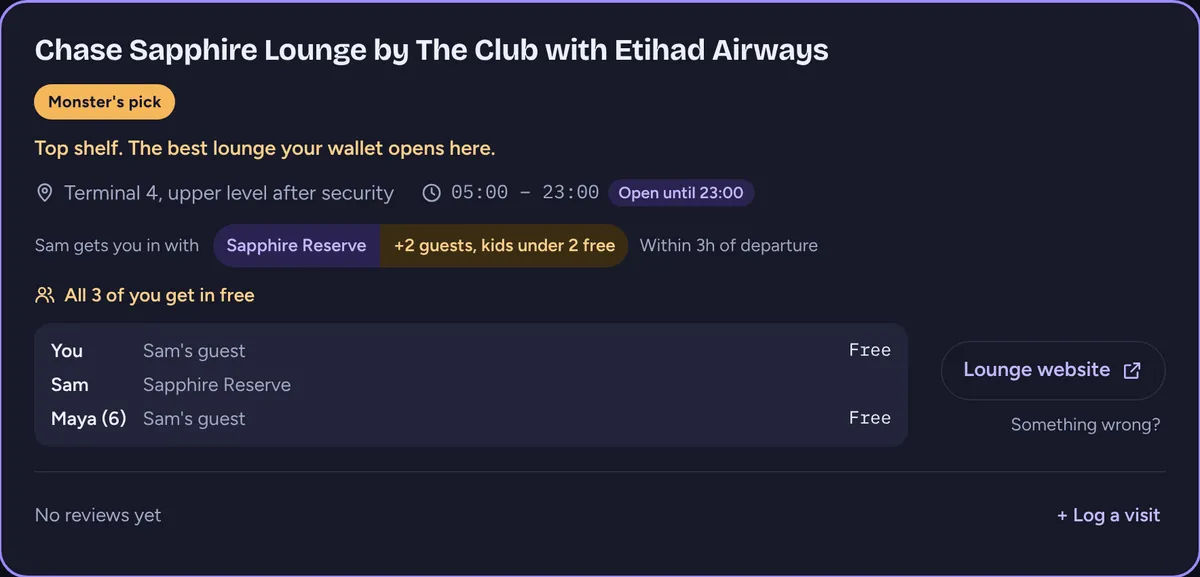
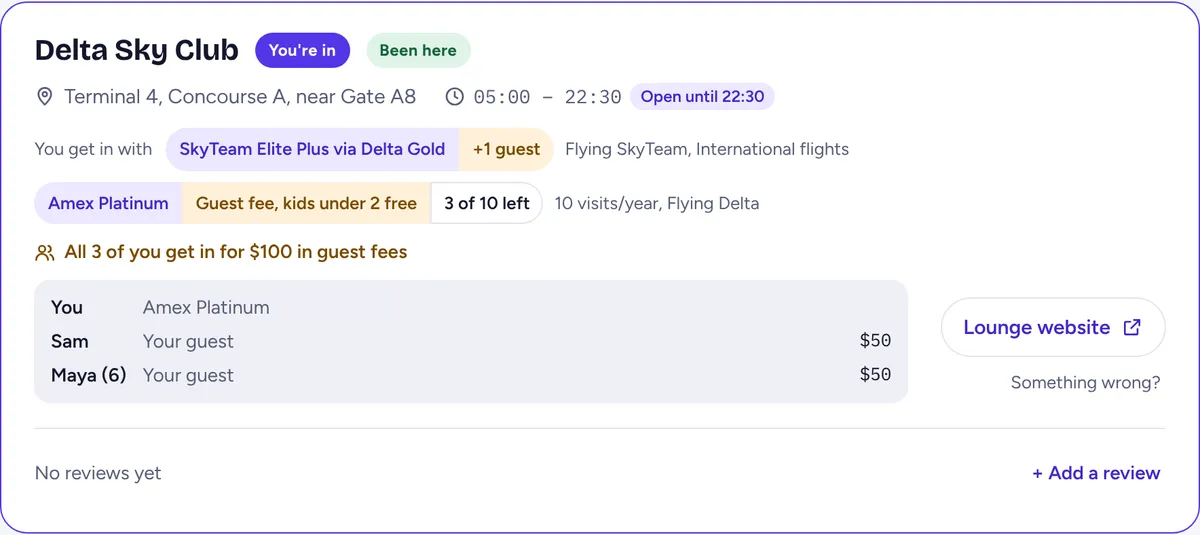
Every lounge card then says who gets in and how, with a line for each traveler and the total in guest fees. If only someone else's card opens a lounge, it still counts as yours: the card says "Sam gets you in with" their card and wears an In with Sam badge, or the Monster's pick, like this one.
Save setups and flip between them Free account
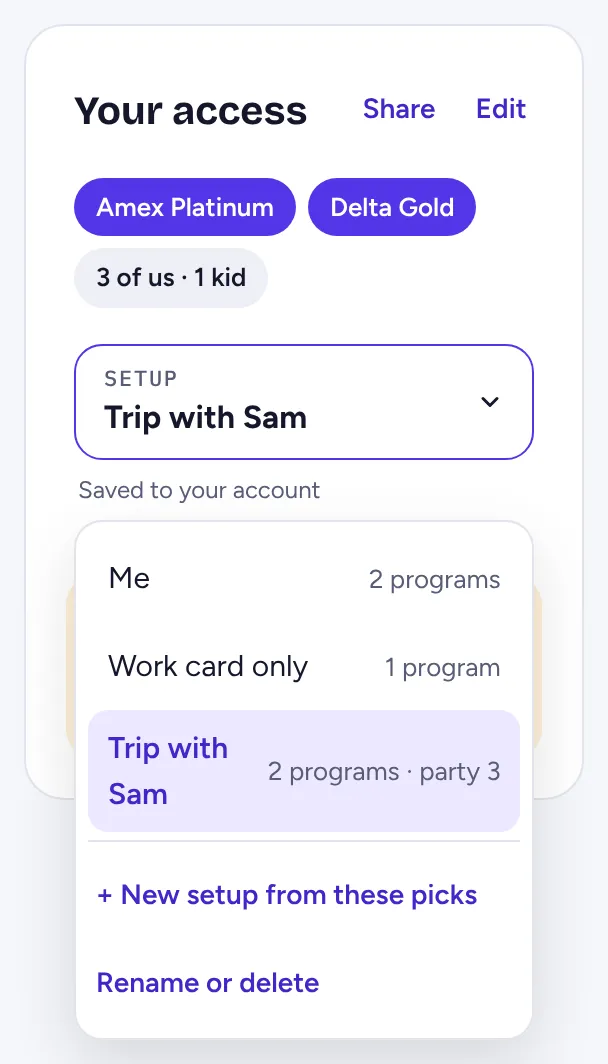
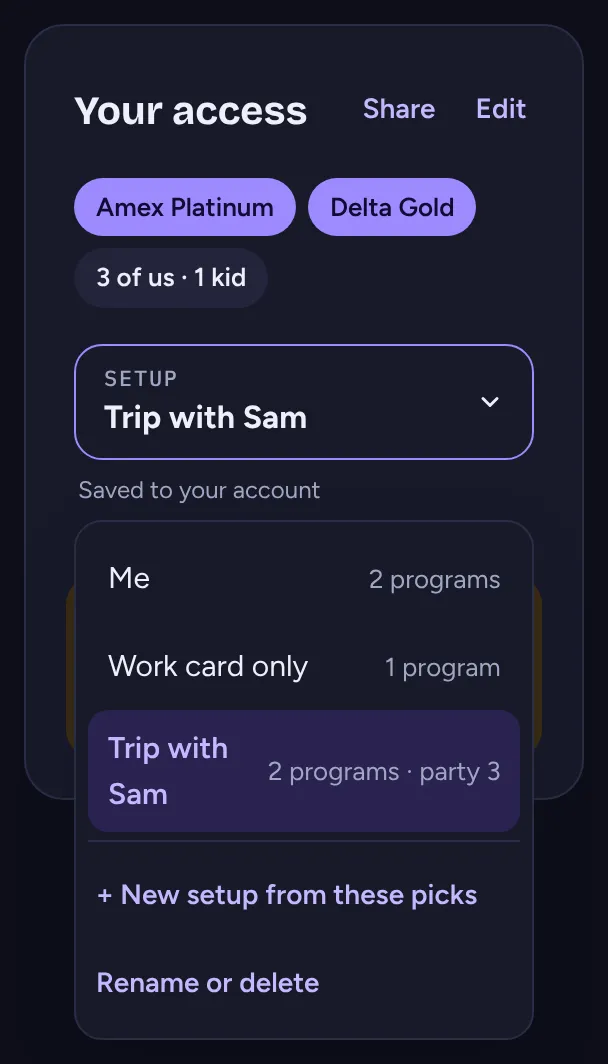
Your solo work trips and the family holiday need different answers. With an account, keep a setup for each and switch in one tap from the Setup menu in Your access. The lounges regray on the spot.
- + New setup from these picks saves your current cards, status and party under a name like "Work card only" or "Trip with Sam".
- Each setup keeps its own picks, party size and travelers. Changes save to whichever setup is on.
- Rename or delete them in Settings. Your setups follow you to every device you sign in on.
Share your setup with a link
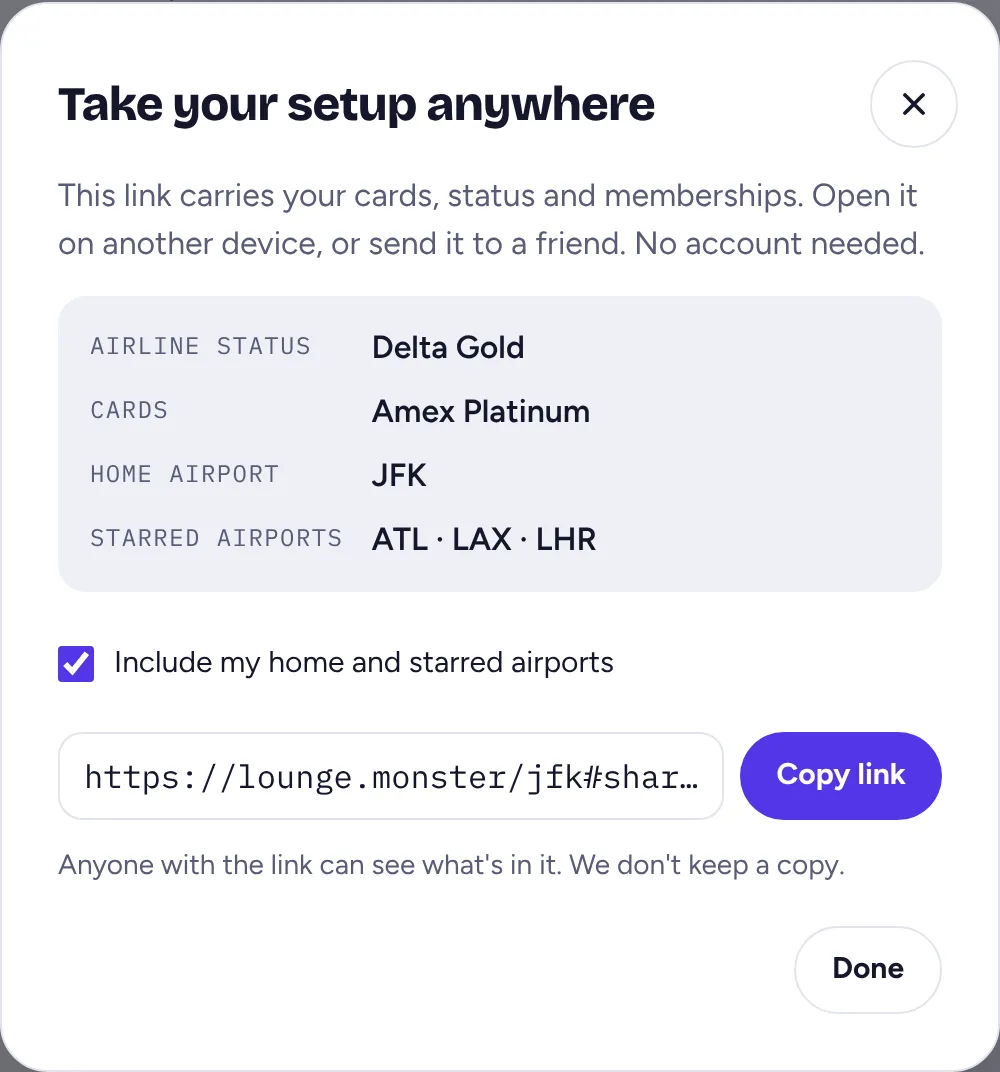
Share at the top of Your access makes a link with your cards, status and memberships. Send it to your phone, or to the friend who keeps asking which lounge to meet you in. No account needed on either end.
- Tick Include my home and starred airports to bring those along too.
- When someone opens it, nothing changes until they say so: Use this setup on a fresh device, or Switch to this one, Add to mine or Keep mine when they already have picks.
- Your setup rides in the part of the link browsers never send to a server, and we don't keep a copy.
- Tick Include who's coming to bring your party along too; it replaces the party on the device that accepts it.
Count your visits before the bank does Free account
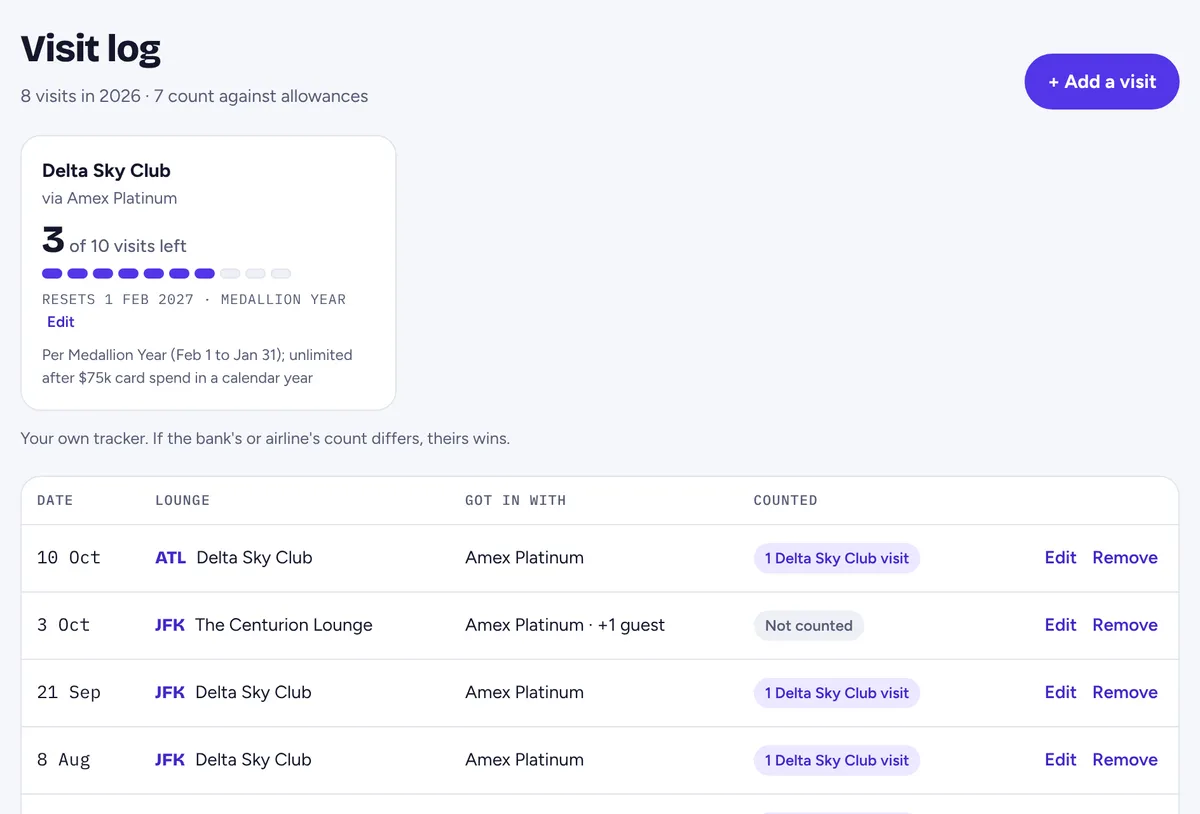
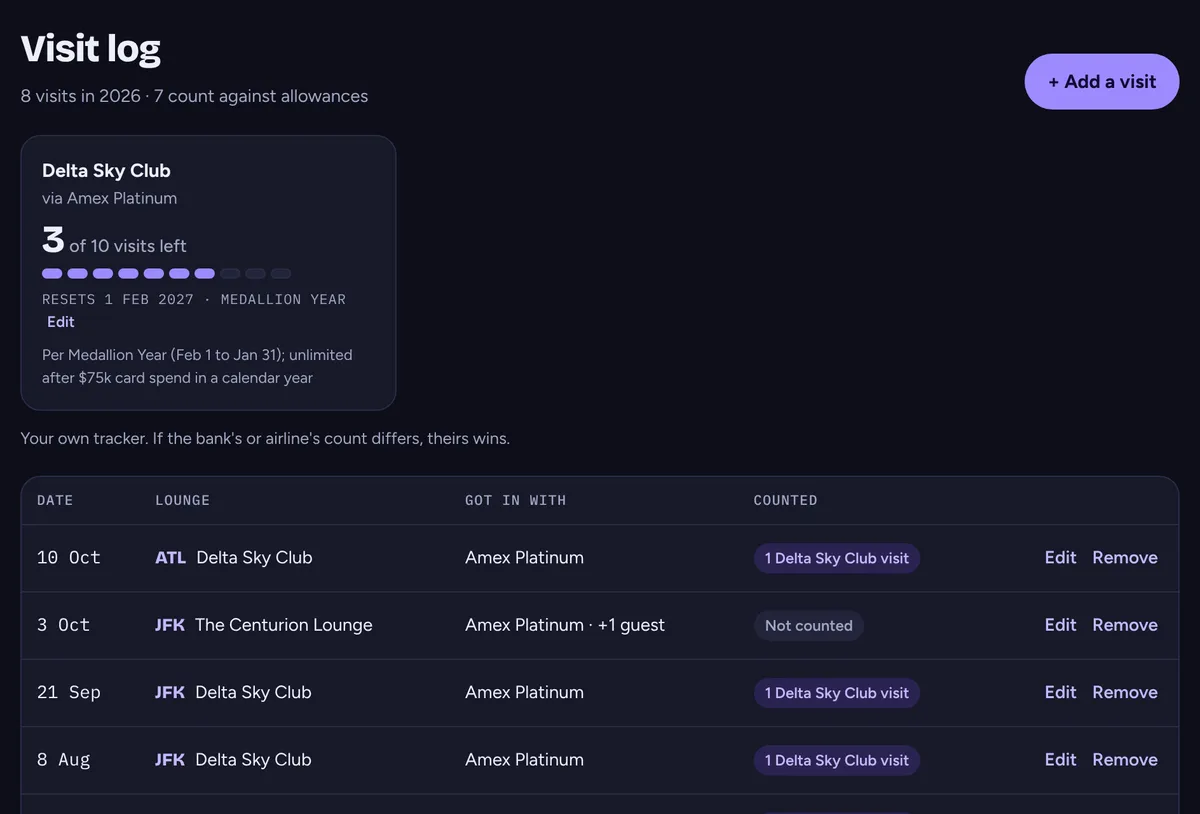
Some cards cap your visits: 10 Sky Club visits a Medallion year on the Amex Platinum, a couple of United Club passes a card year. Tap Log a visit on any lounge card after you've been, and the monster keeps count.
- Capped tags show what's left, like 3 of 10 left. Lounges you've visited are marked Been here.
- Used them all up? Lounges you could only reach through that allowance gray out until it resets.
Your visit log shows each allowance, how much is left and the day it resets: the calendar year, Delta's Medallion year (February 1), each quarter, or your card anniversary or membership year.
- Edit on an allowance sets your card anniversary, adds visits you used before you started logging, or marks it unlimited for the period (say, after hitting the Platinum's spend threshold).
- We email you at 1 visit left and again when it resets. Turn that off in Settings.
- It's your own tracker. If the bank's or airline's count differs, theirs wins.
Stamp your passport, earn your rank Free account
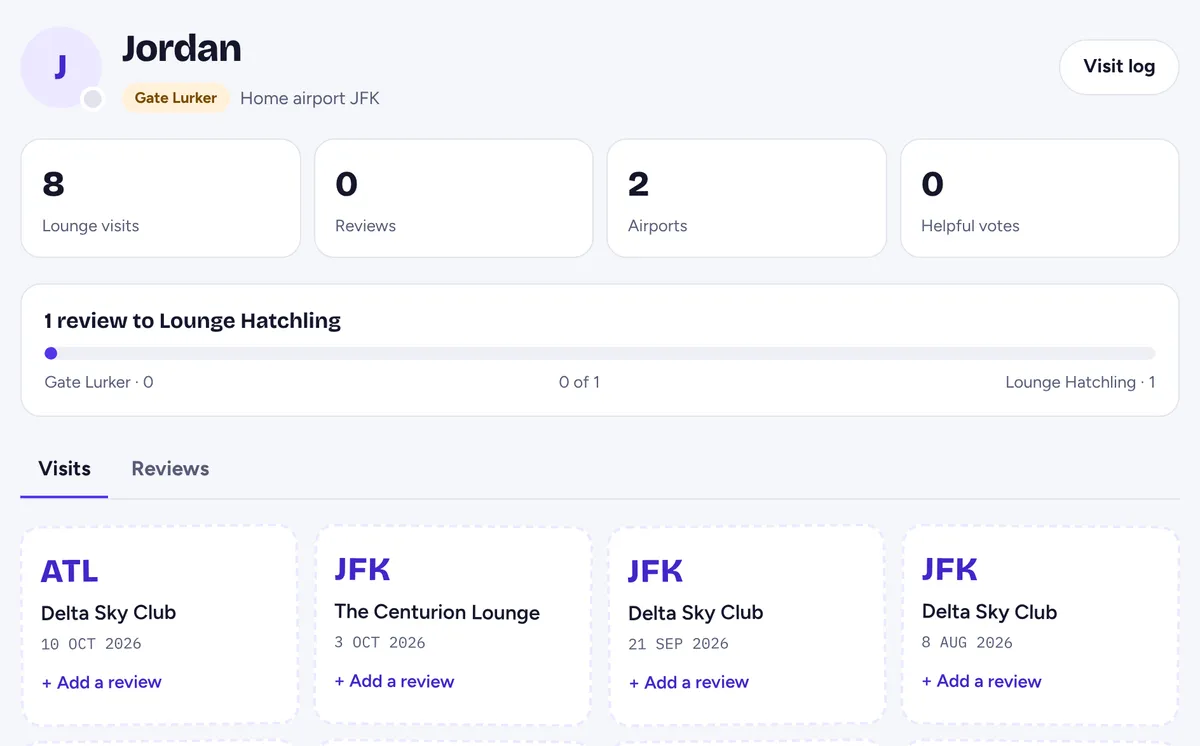
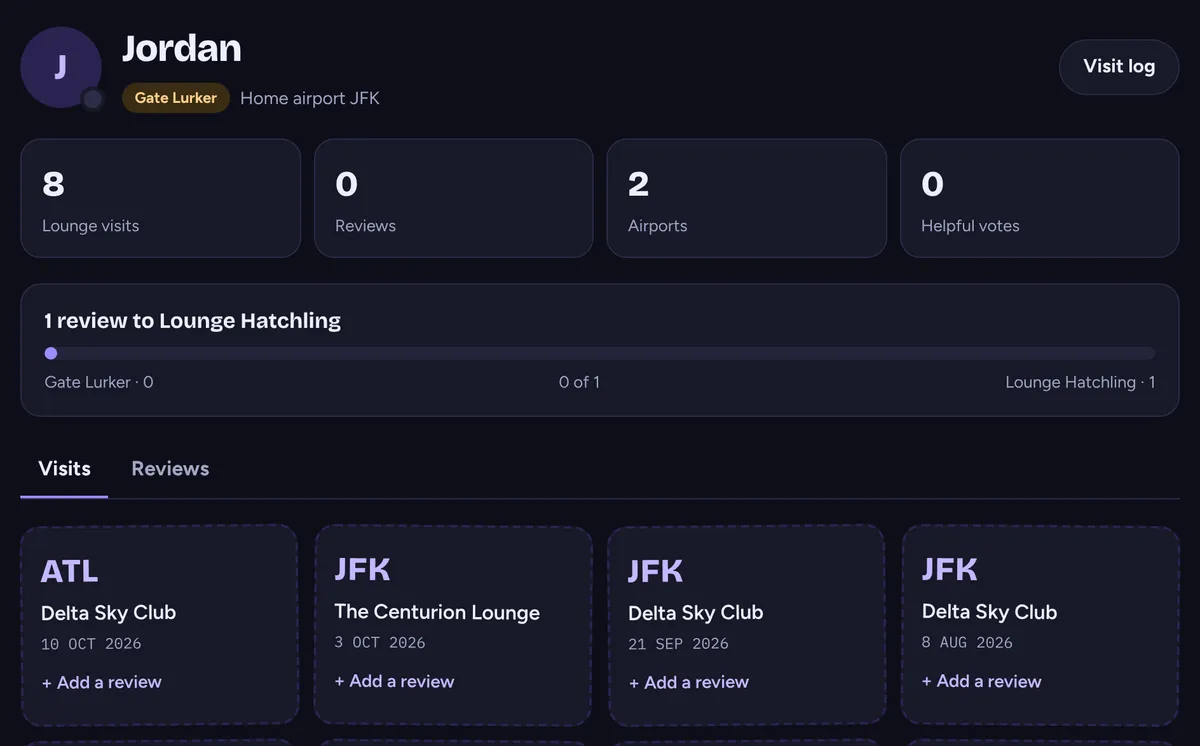
Every visit you log becomes a stamp in your lounge passport. Review a lounge (stars plus a few honest sentences, or a photo you took) and you climb the reviewer ranks, from Gate Lurker through Snack Scout and Buffet Critic all the way to Grand Monster. Other monsters read your reviews right on the lounge cards.
One last thing
Lounges change hours and rules faster than we can lurk. Spot something off? Tap Something wrong? on the lounge card. And once you're in, mind your Monster manners.